


Flutter vs Kotlin: Which Is Better for Android App Development?
Building an Android application involves more than selecting a programming language or development framework. The technology behind an app influences its speed, appearance, device compatibility, maintenance requirements and future development costs.
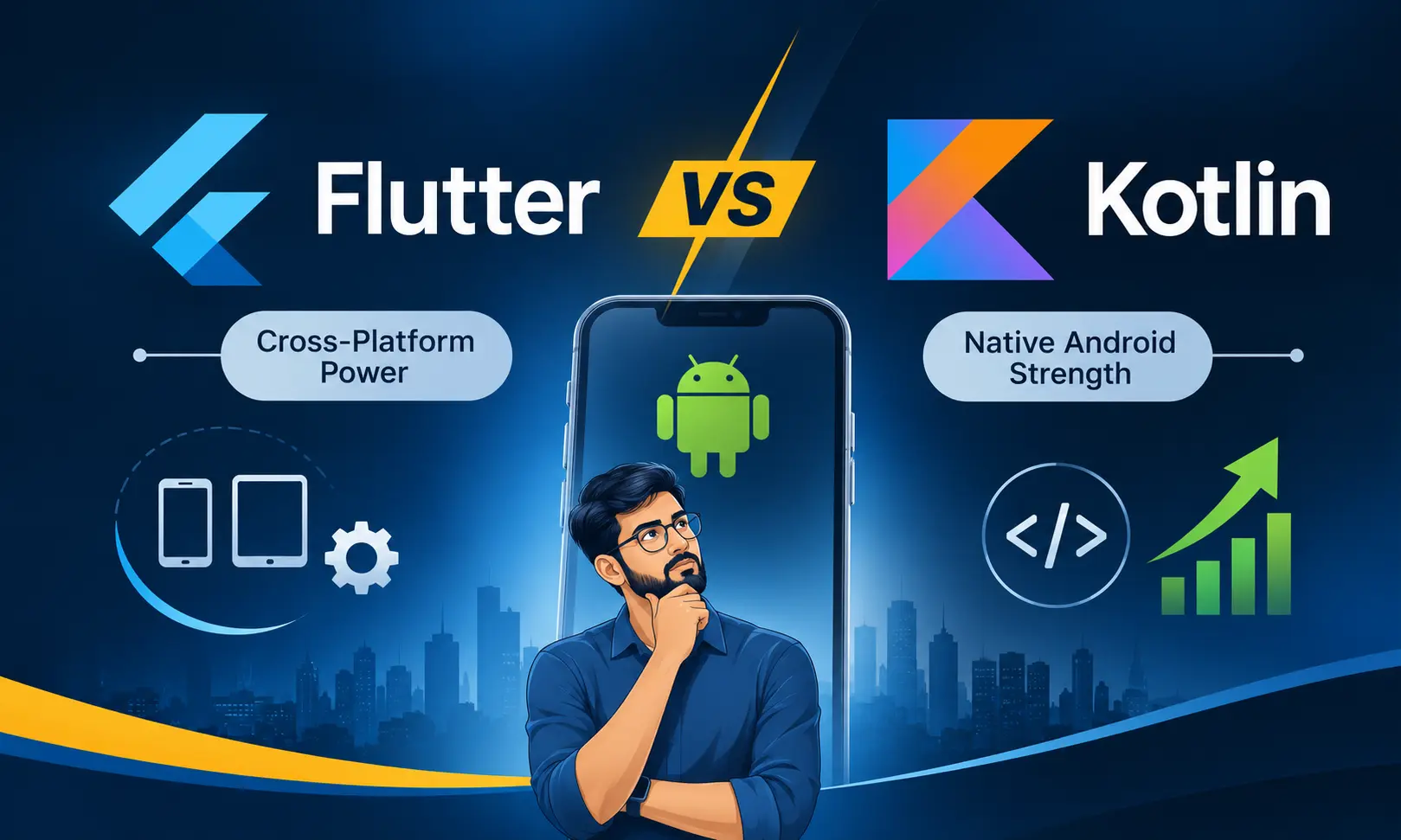
Among the technologies available today, Flutter and Kotlin are two popular choices for mobile app development. Both can be used to create high-quality Android applications, but they follow different development approaches.
Flutter allows developers to build applications for multiple platforms using a shared codebase. Kotlin, on the other hand, is Google's recommended programming language for native Android development. It works particularly well with Jetpack Compose, Android's modern toolkit for designing application interfaces.
So, which one should a business choose?
The answer depends on the nature of the application, its intended audience, the features it requires and whether the business plans to release the same product on iOS.
For example, a grocery delivery application that needs to launch on Android and iOS may benefit from Flutter. However, an Android application requiring extensive device-level integration, advanced background operations or specialised hardware interaction may be better suited to Kotlin.
Let's examine both technologies from a practical development and business perspective.
1. Understanding Flutter and Kotlin
Before comparing their features, it is important to understand that Flutter and Kotlin are not exactly the same type of technology.
Flutter is an open-source UI development framework maintained by Google. It uses Dart as its programming language and allows developers to build applications for Android, iOS and other supported platforms.
Kotlin is a modern programming language developed by JetBrains. It is widely used for Android application development and works with Android's native development tools and libraries.
This distinction matters because choosing Flutter means selecting a framework and its development ecosystem, whereas choosing Kotlin for Android generally means building with the native Android platform.
What is Flutter?
Flutter provides a common development environment for creating mobile applications with one primary codebase. Developers write application logic and user interfaces using Dart.
One of Flutter's distinctive characteristics is its rendering approach. Instead of relying entirely on the operating system's standard UI components, Flutter uses its own widget system and rendering engine to draw application interfaces.
This gives developers considerable control over the appearance and behaviour of the interface.
For a business planning Android and iOS applications, the shared codebase can reduce repeated development work. Features such as login, product browsing, cart management, order history and payment flows can largely be developed in one application codebase.
Flutter also provides hot reload, allowing developers to inspect many code changes quickly during development.
What is Kotlin?
Kotlin is a statically typed programming language that has become a major part of modern Android development.
It works directly with the Android development ecosystem and supports existing Java libraries. This is particularly useful for businesses with older Android applications that need new features or gradual modernisation.
Kotlin is commonly used with Jetpack Compose, Google's declarative UI toolkit for creating native Android interfaces.
Developers can work directly with Android SDK features, platform APIs and Android development libraries. This makes Kotlin a natural choice for applications where Android-specific functionality is central to the product.
For businesses planning an Android-only application, Kotlin provides a direct route into the Android platform.
2. Flutter vs Kotlin: Key Differences
Both technologies can deliver excellent application experiences, but their development models are different.
| Comparison | Flutter | Kotlin for Android |
|---|---|---|
| Technology | UI development framework | Programming language |
| Main language | Dart | Kotlin |
| Primary strength | Cross-platform development | Native Android development |
| UI approach | Flutter widget system | Jetpack Compose or Android Views |
| Code sharing | Shared application code across supported platforms | Android code is platform-specific |
| iOS development | Supported through Flutter | Requires a separate iOS implementation or Kotlin Multiplatform |
| Native API access | Plugins, platform channels and native integrations | Direct Android API access |
| UI consistency | Easier to maintain a shared interface across platforms | Designed around Android platform conventions |
| Development tools | Flutter SDK, Dart and supported IDEs | Android Studio, Kotlin and Android SDK |
| Suitable projects | Cross-platform business applications | Android-focused applications |
The most important difference is not the number of programming features each technology provides. It is how the development team plans to build, maintain and expand the application.
3. Performance: Is Flutter Faster Than Kotlin?
Performance is one of the first questions businesses ask when comparing Android development technologies.
There is a common belief that native applications are always faster than cross-platform applications. This is an oversimplification.
A well-engineered Flutter application can perform very well. Equally, a poorly developed native application can suffer from slow loading, excessive memory usage and unresponsive screens.
The actual outcome depends on application architecture, rendering, network requests, database operations, memory management and the quality of implementation.
Flutter performance
Flutter applications are compiled into native machine code for release builds on supported native platforms. Flutter also uses its own rendering engine to draw the interface.
This approach allows developers to create detailed interfaces, animations and interactive screens without depending entirely on the Android UI toolkit.
Flutter is particularly suitable for applications involving:
-
Custom dashboards and interactive charts.
-
Product listings and shopping interfaces.
-
Animated onboarding screens.
-
Booking applications.
-
Food ordering and delivery interfaces.
-
Business applications with consistent branding.
However, performance must still be tested on actual devices. Large images, inefficient lists, excessive widget rebuilding and poorly managed background tasks can affect the experience.
Kotlin performance
Kotlin applications use the native Android development environment. With Jetpack Compose, developers can create modern interfaces using Android's native UI toolkit.
Kotlin is particularly attractive when an application needs extensive interaction with Android APIs, specialised hardware or platform-specific functionality.
It is suitable for applications involving:
-
Advanced GPS and location operations.
-
Bluetooth-connected devices.
-
Device integrations and hardware controls.
-
Complex background processing.
-
Android-specific enterprise applications.
-
Applications requiring extensive platform-level behaviour.
Kotlin and Jetpack Compose provide a direct development path for Android-specific requirements.
Which performs better?
Kotlin is generally the more direct option for applications that depend heavily on Android platform functionality. Flutter, meanwhile, delivers strong performance for a wide range of business and consumer applications.
There is no responsible way to declare one universally faster without testing the actual application.
For a meaningful comparison, developers should measure startup time, screen rendering, memory consumption, battery usage and response time using release builds on representative devices.
4. Development Time: Which Technology Saves More Time?
Development time influences the product launch date, initial investment and ability to respond to customer feedback.
However, the amount of time saved depends on the product scope and the platforms involved.
Flutter: One primary codebase for multiple platforms
Suppose a business wants to launch a grocery ordering application on both Android and iOS.
The application requires customer registration, product categories, search, cart management, order placement, payment integration, delivery tracking and notifications.
With Flutter, developers can implement much of the application functionality in a shared codebase.
This reduces the need to independently recreate the same screens and business logic for each mobile platform.
It does not eliminate platform-specific work. Some integrations, testing and interface adjustments may still require separate implementation.
Kotlin: Focused Android development
When the business plans to launch only on Android, Kotlin can be a practical choice.
The team can concentrate on Android-specific development without maintaining a cross-platform framework for a second mobile operating system.
Kotlin also supports a productive development environment through Android Studio and Jetpack Compose.
The development effort becomes more focused, particularly when the application needs advanced Android capabilities.
Business perspective: Flutter can reduce duplicated work when Android and iOS are both in scope. Kotlin can be an efficient choice when Android is the only required platform.
5. Native Features and Device Integration
Modern mobile applications depend on more than screens and buttons.
A delivery application needs location tracking. A shopping application needs camera access and payment integration. A vehicle management application may require Bluetooth, background location services and continuous data exchange.
The development technology must support these requirements reliably.
Flutter and device integration
Flutter supports device features through packages, plugins and platform channels.
Developers can integrate functionality such as:
-
GPS and location services.
-
Camera and image uploads.
-
Push notifications.
-
Biometric authentication.
-
Payment gateway services.
-
Bluetooth communication.
-
File access and local storage.
-
Maps and navigation.
When a required native feature is not available through an existing package, developers can write platform-specific code and connect it to Flutter.
The important consideration is the availability, quality and maintenance status of the required plugins or native integrations.
Kotlin and device integration
Kotlin works directly with Android's native development libraries.
Developers can access Android APIs and implement platform-specific functionality without first passing through a cross-platform plugin layer.
This makes Kotlin suitable for applications with extensive Android-specific requirements.
For instance, an enterprise application that communicates with specialised Bluetooth equipment or manages detailed background operations may benefit from direct native integration.
That does not mean Flutter cannot support such applications. It means the development team should assess the amount of native code and integration work required before choosing the framework.
6. UI Design: Flutter vs Jetpack Compose
The interface is where customers experience an application. A confusing screen, slow transition or inconsistent navigation can affect how frequently people use the product.
Flutter and Jetpack Compose both support modern declarative UI development, but they approach interface rendering differently.
Flutter UI development
Flutter uses widgets to construct application interfaces.
Developers can create reusable components for buttons, cards, menus, navigation bars, forms and product sections.
It offers strong control over how an interface looks across platforms. This is useful when a business wants its Android and iOS applications to maintain a closely related visual identity.
For example, an online shopping business may want identical product cards, cart layouts and checkout screens on both platforms.
Flutter helps maintain that consistency through shared UI code.
Jetpack Compose UI development
Jetpack Compose is Google's modern declarative toolkit for native Android interfaces.
Developers describe the UI based on the current application state. When the state changes, the interface can update accordingly.
It provides native Android development capabilities, supports adaptive layouts and works with the Android ecosystem.
Compose is a good choice for applications that need to follow Android design conventions and take advantage of Android-specific interface features.
Our observation: Flutter offers greater convenience for maintaining a shared visual system across multiple platforms. Jetpack Compose offers a more direct approach to building native Android interfaces.
7. Development Cost: Which Is More Affordable?
The cost of mobile app development is not determined by the programming language alone.
It depends on the number of screens, complexity of business logic, third-party integrations, backend requirements, security, testing and future support.
Consider two different situations.
Scenario 1: Android-only application
A business wants to develop an internal employee management application exclusively for Android.
It needs employee login, attendance records, task updates, document access, notifications and an administrative dashboard.
In this situation, Kotlin can be a sensible option because the business does not need a shared iOS application.
The development team can focus on the Android platform and its native features.
Scenario 2: Android and iOS application
A startup wants to introduce a food delivery application for customers using both Android and iOS.
The product needs restaurant listings, food menus, order management, online payments, delivery updates and customer notifications.
Flutter may offer better development economics because a large part of the application can be maintained through one codebase.
However, the team must still account for platform-specific integrations, testing and deployment.
Development cost comparison
| Cost factor | Flutter | Kotlin |
|---|---|---|
| Android development | Required | Required |
| Additional iOS development | Much of the code can be shared | Separate iOS implementation or Kotlin Multiplatform |
| UI development | Shared UI code | Native Android UI |
| Platform-specific work | Required where needed | Direct Android implementation |
| Maintenance | Shared codebase for supported platforms | Android-specific codebase |
| Initial project cost | Can be lower for two-platform projects | Can be attractive for Android-only projects |
The right financial comparison should include the first release and the next few years of maintenance. Choosing a technology only because its initial quotation is lower can create additional expenses later.
8. Which Technology Is Better for Different Types of Business Apps?
A practical way to choose between Flutter and Kotlin is to examine the application category.
Grocery delivery applications
A grocery delivery application typically includes customer registration, product search, inventory, cart management, payment processing, order tracking and notifications.
Flutter is a suitable choice when the business plans to serve Android and iOS customers through a largely shared application.
Kotlin is worth considering when the product is Android-first and needs significant platform-specific integrations.
Taxi booking and ride-hailing applications
Taxi booking applications involve live location updates, route information, driver tracking, booking management, push notifications and payment processing.
Both technologies can support these requirements.
Flutter can help when the customer application needs to be available on Android and iOS. Kotlin is an option when the product requires deep Android integration or an Android-only launch.
The backend, location architecture and real-world network performance are equally important.
E-commerce applications
Online shopping applications often feature product catalogues, filters, wish lists, payment gateways, order history, customer accounts and delivery tracking.
Flutter can be attractive when a consistent shopping experience is required across mobile platforms.
Kotlin can be useful for businesses concentrating on a native Android product.
Healthcare applications
Healthcare applications may involve appointment booking, patient records, reminders, video consultations and integration with external devices.
Technology selection should consider data security, access controls, device compatibility and the sensitivity of information being handled.
For applications requiring specialised Android device integration, Kotlin deserves serious consideration. Flutter can also support many healthcare workflows through appropriate packages and native integrations.
Fleet management applications
Fleet management software often includes GPS location, driver activity, vehicle information, alerts, maps and background data collection.
These applications require particular attention to Android permissions, background execution rules, battery consumption and device behaviour.
Kotlin can be advantageous for deeply Android-specific fleet functionality. Flutter remains a viable option when a shared Android and iOS interface is an important requirement.
9. What About Maintenance and Future Updates?
An application is not finished when it reaches the Google Play Store.
New features, operating system changes, security updates, bug fixes and customer feedback create ongoing development work.
The technology selected today should support the product's expected development path.
Maintaining a Flutter application
A shared codebase can make it easier to maintain common application features across Android and iOS.
A correction to a shared checkout screen or product component can be implemented in one place.
However, developers need to monitor package compatibility, framework updates and native integrations. Plugins must be checked regularly, particularly when they handle important features such as payment processing, location or authentication.
Maintaining a Kotlin application
Native Kotlin applications benefit from the Android ecosystem and its development libraries.
Kotlin also works with existing Java code, which can be helpful when updating an established Android application.
With Jetpack Compose, new Android interfaces can be developed using Google's modern UI toolkit.
For businesses that expect Android to remain their primary platform, this can provide a clear maintenance direction.
Think beyond the first release
A technology decision should account for:
-
Expected user growth.
-
New features planned over the next two years.
-
Android and iOS requirements.
-
Third-party service integrations.
-
Security and testing practices.
-
Availability of skilled developers.
-
Long-term support and upgrade costs.
The best technology is the one the development team can maintain properly as the application becomes more complex.
10. Kotlin Multiplatform: A Third Option Worth Knowing
The Flutter-versus-Kotlin discussion has another dimension: Kotlin Multiplatform (KMP).
Kotlin Multiplatform allows developers to share selected code between Android, iOS and other supported platforms while retaining the option to build platform-specific interfaces.
For example, an application can share business logic such as:
-
User authentication rules.
-
API communication.
-
Data processing.
-
Validation.
-
Business calculations.
-
Selected data storage operations.
The Android team can use Jetpack Compose, while the iOS team can use SwiftUI or UIKit for their respective interfaces.
Compose Multiplatform can also be considered when a team wants to share UI code.
This approach is different from Flutter. Flutter generally uses a shared UI framework, whereas Kotlin Multiplatform allows developers to decide how much code to share.
For businesses with existing native applications, KMP may be worth evaluating before considering a complete redevelopment.
11. Common Mistakes to Avoid When Selecting Flutter or Kotlin
Selecting a technology based on popularity alone can lead to unnecessary development work.
Here are some mistakes businesses should avoid.
1. Choosing Flutter only because it supports one codebase
Code sharing is valuable, but it does not automatically remove the need for platform-specific development. Review the actual integrations before making a decision.
2. Choosing Kotlin only because it is native
Native development is not automatically the cheapest or fastest route for every project. Consider the total cost when both Android and iOS are required.
3. Ignoring the app's background operations
Location tracking, notifications, synchronisation and long-running tasks need careful implementation. These requirements should be evaluated during technical planning.
4. Comparing technologies using outdated performance claims
Both ecosystems continue to evolve. Test the application using current development tools and actual target devices instead of depending on old benchmark articles.
5. Forgetting about future maintenance
A mobile application may need regular feature additions and security updates. The development team should have a clear maintenance and upgrade plan.
6. Ignoring the device diversity in India
Android applications in India may be used on phones with different screen sizes, memory capacity, processors and operating system versions. Testing should include affordable and mid-range devices, not only premium smartphones.
This is especially important for applications targeting customers across multiple Indian cities and regions.
12. Flutter vs Kotlin: Which One Should Your Business Choose?
There is no universal winner. The right decision depends on the application's technical requirements and commercial goals.
Choose Flutter when:
-
You want one primary codebase for Android and iOS.
-
Both platforms are important to your business.
-
The product needs a consistent interface across platforms.
-
You want to share application features and reduce duplicated work.
-
Your requirements can be met through Flutter packages and suitable native integrations.
Choose Kotlin when:
-
You are building an Android-only application.
-
The product relies heavily on Android-specific APIs.
-
Hardware and operating system integration are central to the application.
-
You need to extend an existing native Android codebase.
-
Your team wants to work directly within the Android development ecosystem.
Consider Kotlin Multiplatform when:
-
You have separate Android and iOS applications.
-
You want to share business logic while retaining native interfaces.
-
You are gradually modernising an existing mobile product.
-
You need flexibility over which application components are shared.
Final Verdict
Flutter is an excellent option for businesses planning cross-platform mobile applications, particularly when they want to build Android and iOS versions with a shared application codebase.
Kotlin is a strong choice for businesses that want a native Android application with direct access to Android's development ecosystem.
For a startup developing its first shopping, booking or delivery application for two mobile platforms, Flutter is worth serious consideration. For an Android-focused enterprise application involving specialised device functionality, Kotlin may be the more practical route.
The decision should begin with the product blueprint, not the popularity of a technology. Understand the required features, target devices, platform plans, development budget and future updates before finalising the technology stack.
Planning an Android or Cross-Platform Mobile Application?
Choosing the right development technology is only one part of building a successful application. The application architecture, backend, database, payment integrations, user experience and testing process are equally important.
W3 Dream Solutions helps startups and businesses plan and develop mobile applications based on their business requirements. Based in Bangalore, India, the team works on Android, iOS and cross-platform mobile application development.
Explore our Mobile App Development Services in Bangalore to discuss your application idea, technical requirements and development approach.
A well-planned first release gives your business a clearer route for future improvements.
Other Blogs
Subscribe
Get the latest blog updates directly in your inbox.