

Website security is often treated as a task that can wait until the next maintenance cycle. A critical vulnerability in the software powering a website changes that calculation. When a flaw can potentially allow an attacker to execute code on a server without logging in, delaying the response can expose more than the website's homepage. Customer information, application files, database credentials and other services on the same server may also be at risk, depending on the environment.
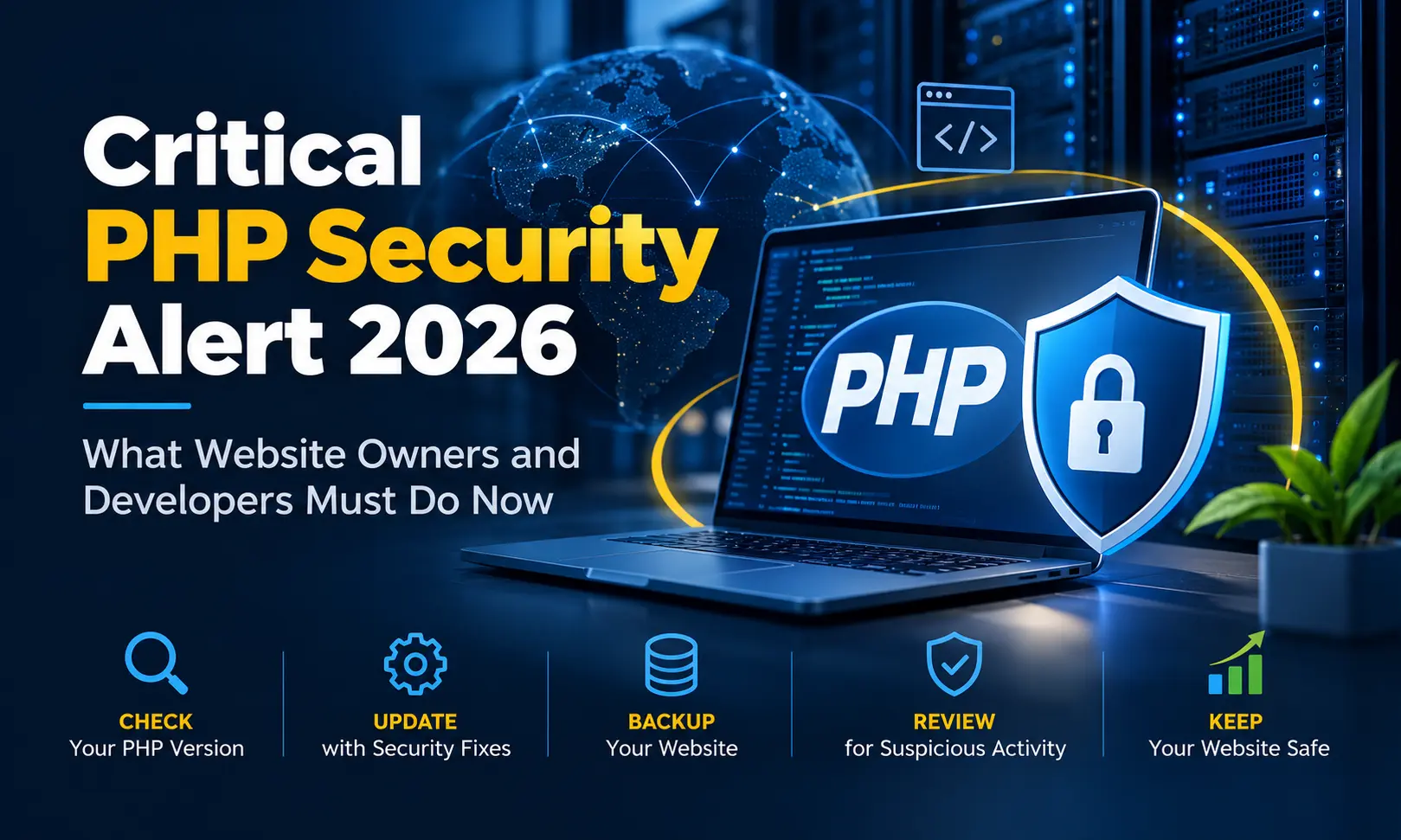
On 21 October 2026, the PHP project released security updates for two critical vulnerabilities identified as CVE-2026-109618 and CVE-2026-109619. The issues have become known collectively as PHP2Shell. Security advisories warn that successful exploitation could allow unauthenticated remote code execution on affected systems. The PHP security team has urged users to update, while cybersecurity agencies have advised organisations to identify their PHP installations and prioritise remediation.
This is not a warning meant only for large enterprises or technology companies. Small businesses, agencies, online stores, educational portals and organisations running older custom-built websites should also take notice. If your website depends on PHP, now is the time to establish which version is running, confirm whether the required security fix is installed, and decide what action is necessary.
What Is the PHP2Shell Security Alert?
PHP is a server-side programming language used to build dynamic websites and web applications. It processes application logic, communicates with databases, manages forms and sessions, and produces the pages visitors see in their browsers. WordPress and many custom-built business websites rely on PHP, as do applications developed using frameworks such as Laravel and CodeIgniter.
PHP2Shell refers to two critical security vulnerabilities in the PHP runtime itself. A runtime vulnerability is different from an ordinary application bug. The weakness may exist in the underlying software that executes PHP code, rather than in a particular website's design or business logic.
The two vulnerabilities are:
- CVE-2026-109618 — one of the critical PHP vulnerabilities addressed in the October 2026 security release.
- CVE-2026-109619 — the second critical vulnerability addressed in the same release.
Both have been rated CVSS 9.2, indicating critical severity. Successful exploitation could allow an unauthenticated attacker to execute code remotely on a vulnerable system. In practical terms, an attacker may not need a valid website login before attempting to exploit the underlying weakness.
For the official technical details, refer to the PHP 2026 release archive and the relevant security advisories. The precise impact on an individual website depends on its PHP build, hosting environment, configuration and any vendor-provided mitigations.
Why Should Website Owners Take This Seriously?
A website can appear to be working normally even when its underlying server software needs urgent attention. A successful attack against a vulnerable PHP runtime could potentially lead to unauthorised code execution. Depending on the attacker's access and the server's permissions, the consequences may include:
- Unauthorised access to application files or sensitive configuration details.
- Exposure of database credentials, API keys or other secrets stored in accessible files.
- Modification of website content, redirects or application behaviour.
- Attempts to access customer or business information available to the compromised application.
- Installation of malicious scripts or other unwanted files.
- Disruption of website availability and additional recovery costs.
- Further attempts to access other services, depending on server isolation and permissions.
These are possible consequences of a server compromise, not proof that every vulnerable website has been attacked. Equally, a website displaying normally is not proof that it is secure. A quiet incident can remain unnoticed until suspicious redirects, spam pages, unusual outbound traffic or other symptoms appear.
The sensible response is to verify the technical position instead of relying on appearance alone.
Which Websites and PHP Versions Need Attention?
The alert concerns the PHP runtime, so the risk is not limited to one content management system or framework. The following environments should be included in a security review:
- WordPress websites and their PHP hosting environments.
- Custom PHP websites developed for businesses, institutions and service providers.
- Applications built using Laravel, CodeIgniter or other PHP frameworks.
- E-commerce platforms, customer portals, booking systems and online dashboards that use PHP.
- Older websites running PHP 7.x, PHP 8.0, PHP 8.1 or other legacy branches.
- Server tools, control panels and third-party products that bundle or manage their own PHP packages.
The October 2026 upstream security fixes were released for these branches:
- PHP 8.5.12
- PHP 8.4.27
- PHP 8.3.36
- PHP 8.2.35
These are the fixed releases announced for the respective supported branches at the time of the alert. Before making changes, check the current PHP security advisory and your operating system or hosting provider's package guidance for later fixes.
Important for older PHP installations: PHP 7.x and PHP 8.0 or 8.1 installations are not made safe simply because a website still works. Older upstream branches may no longer receive normal PHP project security updates. Some hosting vendors or commercial extended-support providers may issue backported security patches for legacy branches, so the version number alone may not tell the full story. Ask the vendor to confirm whether the specific vulnerability has been fixed in the package you are using.
Action 1: Find Every PHP Installation You Manage
The first task is to create an inventory. Many businesses know which PHP version their main website uses but overlook old subdomains, staging environments, client portals, background jobs or applications installed on another server.
Start with the following checks:
- List all domains, subdomains and applications hosted on each server.
- Record the PHP version assigned to each website.
- Identify whether PHP runs through PHP-FPM, a web server module, a control-panel-managed service or another runtime arrangement.
- Check for command-line PHP installations used by scheduled tasks, queue workers and maintenance scripts.
- Identify any containers, virtual machines, staging servers or third-party services that also run PHP.
- Record the operating system, hosting control panel and package-management method.
On WordPress, administrators can often check the PHP version under Tools > Site Health > Info > Server. Hosting dashboards may also show the version selected for a domain. Developers managing their own server can use the relevant server or command-line tools to inspect installed PHP packages and running services.
Be careful when checking the version. The PHP version shown by a website's browser-facing runtime may differ from the command-line version. A server may also have several PHP versions installed, with different websites assigned to different versions. Verify the runtime used by each affected application instead of assuming that one version number covers the whole server.
Action 2: Confirm Whether the Security Fix Is Installed
Do not stop after identifying the PHP version. The next step is to confirm whether the exact runtime package has received the security fix.
If you use managed hosting, raise a support request and ask the provider to confirm:
- Whether the hosting environment was exposed to CVE-2026-109618 or CVE-2026-109619.
- Whether the PHP fix has been deployed to the specific server and PHP version assigned to your website.
- Whether the fix applies to every PHP version you use, including older versions and separately managed runtimes.
- Whether PHP-FPM, the web server or other relevant services need to be restarted for the update to take effect.
- Whether any additional action is required from you.
A hosting provider may deploy a firewall rule or other temporary protection before installing the permanent PHP fix. Such controls can reduce exposure, but they should not automatically be treated as proof that the underlying software has been patched.
For self-managed VPS environments, responsibility may rest with the server administrator. A hosting company can provide the virtual machine while leaving the operating system, PHP packages, service restarts and application compatibility under your control. Read the provider's instructions carefully and confirm whether its statement applies to VPS customers or only to its managed hosting plans.
Action 3: Apply the Correct Security Update
Once you have identified an affected runtime, apply the appropriate security update through the supported package or hosting-management process. Use official PHP releases and the instructions provided by your operating system, control panel or hosting vendor.
Before changing a production server, take a verified backup of the website files, database and relevant configuration. Confirm that you can restore the backup if the update creates an unexpected issue. For important business applications, test the change in a staging environment first where practical.
After the update:
- Confirm that the intended PHP package has been updated successfully.
- Restart the relevant PHP service or worker if required by the vendor's instructions.
- Verify that each website is using the intended runtime.
- Check website pages, login forms, contact forms, uploads, payment workflows and other important functions.
- Review application and server logs for new errors.
- Record the update date, affected systems and any remaining work.
Do not blindly replace a legacy PHP version with the newest major release on a live website. A security patch and a major-version migration are different operations. A legacy application may rely on old functions, dependencies or framework versions that are incompatible with a newer runtime. Plan compatibility work separately, but do not let that planning become a reason to ignore the immediate security issue.
Action 4: What If Your Website Runs PHP 7.x?
This is a particularly important question for businesses that have maintained the same website for many years. A PHP 7.x website may continue to perform its intended tasks, but that does not mean its runtime is receiving current upstream security fixes.
For older installations, take these steps:
- Ask the hosting provider or extended-support vendor whether a specific security patch exists for your exact PHP branch and package.
- Confirm whether the patch is installed and active, rather than relying only on a general statement that the hosting platform is protected.
- Check the age and support status of the framework, plugins, libraries and operating system.
- Arrange a compatibility assessment to identify code that may break during a PHP upgrade.
- Prepare a migration plan with testing, backups, a rollback procedure and a realistic schedule.
- Where a vulnerable internet-facing system cannot be patched promptly, follow authoritative security guidance on isolation or temporary shutdown rather than leaving it exposed without a plan.
For a business-critical application, the best long-term answer is usually to move towards a supported PHP branch and maintain the application there. The work may involve updating old code, replacing abandoned libraries, revising database calls and testing integrations. It should be treated as a planned technical project, not an emergency version switch without testing.
Action 5: Check for Signs of Suspicious Activity
Installing the security fix addresses the known software weakness, but it does not establish whether an attacker accessed the server before the fix was applied. If your system was exposed, review the available evidence and investigate anomalies.
Depending on your hosting environment, useful checks include:
- Web server access and error logs around the period before and after the security release.
- Unexpected changes to PHP files, configuration files or scheduled tasks.
- Unknown administrator accounts, SSH keys or other access credentials.
- Unusual outbound connections, resource spikes or unfamiliar processes.
- Unexpected redirects, injected content, spam pages or unfamiliar files.
- Alerts from the hosting provider, security tools or web application firewall.
Ask your hosting provider which logs are available and how long they are retained. If there are credible signs of compromise, preserve relevant logs and backups, restrict suspicious access, investigate the affected system and rotate credentials that may have been exposed. Credential rotation should be done carefully from a clean environment, especially when database passwords, deployment keys or API secrets may be involved.
Do not assume that every unusual log entry proves an attack, or that the absence of obvious warnings proves there was no compromise. When the evidence is unclear, a qualified server administrator or incident-response specialist can help assess it.
Action 6: Understand the Role of Hosting Security
Website owners sometimes assume that the hosting provider is responsible for every security issue. In practice, responsibilities vary with the hosting plan.
On managed hosting, the provider may maintain PHP packages, apply security rules and restart services. On a self-managed VPS, the customer may be responsible for operating system updates, PHP packages, firewall configuration, service restarts and server monitoring. A provider's protection on one hosting product does not necessarily apply to every other product it sells.
Ask clear questions rather than relying on a general assurance that a platform is safe. Confirm which server, PHP runtime and hosting plan are covered, whether the permanent software fix is installed, and whether any steps remain for you to complete.
A web application firewall, restricted file permissions, separate user accounts, limited service privileges and network controls can reduce the impact of an attack. These are valuable defensive layers, but they should support—not replace—timely security updates.
Action 7: Build a Routine for PHP Security Maintenance
A critical alert often exposes a wider maintenance problem: nobody has a complete list of the websites, PHP versions and dependencies that need attention. The way to reduce future disruption is to make security maintenance a routine business process.
- Maintain an asset register: Record every website, server, PHP version, framework and hosting provider.
- Assign responsibility: Decide who monitors advisories, approves updates and verifies the result.
- Set a patching process: Define how urgent security releases are assessed, tested and deployed.
- Keep recoverable backups: Test restoration rather than assuming that a successful backup job guarantees recovery.
- Review access: Remove unused accounts, restrict administrative access and protect credentials.
- Track end-of-life software: Maintain a schedule for replacing unsupported PHP branches, frameworks and dependencies.
- Test after changes: Confirm that business-critical forms, payments, login flows and integrations continue to work.
- Retain evidence: Record patch dates, package versions, test results and unresolved risks.
These measures are useful beyond the current PHP2Shell alert. They help businesses respond faster when another vulnerability affects the operating system, framework, content management system or a third-party library.
Official Security Resources to Follow
For an accurate view of the affected versions and recommended fixes, use the primary technical guidance rather than relying only on social media posts or third-party summaries.
- PHP official release archive — check the PHP team's release notices and security updates.
- CERT-In — India's national cyber incident response and vulnerability advisories.
- UK National Cyber Security Centre advisory — guidance on identifying PHP systems, monitoring and remediation.
- CERT-EU security advisory — additional technical context and remediation guidance.
Security guidance can change as vendors publish updates and researchers release new information. Recheck the official advisories before performing a server update, especially if your application depends on an older PHP branch.
Need Help Securing a PHP Website?
For businesses, the immediate challenge is often not understanding the alert; it is determining which PHP version is running, whether the server has been patched, and how to fix the issue without disrupting an existing application.
W3 Dream Solutions, a website development company based in Bangalore, India, works with business websites and web applications. If you need help reviewing a PHP website, checking legacy application risks, planning a PHP version upgrade or assessing the work required to maintain an older website, you can contact W3 Dream Solutions to discuss your requirements.
When requesting assistance, share your hosting type, operating system, PHP version, framework and any confirmation received from your hosting provider. Do not send passwords, private keys, database credentials or other secret information through an ordinary contact form.
Final Thoughts
The PHP2Shell alert is a reminder that website security depends on more than strong passwords, SSL certificates or a security plugin. The software executing an application must also receive the correct security fixes, and unsupported versions need a clear plan.
Start by identifying your PHP installations. Confirm the status of the relevant security updates with your hosting provider or server administrator. Patch affected runtimes using the correct vendor-supported process, test important website functions, and investigate suspicious activity where necessary. If an older application cannot move to a supported PHP version immediately, establish a documented mitigation and migration plan rather than leaving its security status uncertain.
A measured response—based on verified versions, official guidance and a tested recovery plan—is far better than either ignoring a critical alert or making rushed production changes without understanding their consequences.
Other Blogs
Subscribe
Get the latest blog updates directly in your inbox.