At 8:45 am, a Bengaluru distributor sends a catalogue link to a retailer on WhatsApp. The retailer opens it, checks stock and places an order. Across town, the distributor’s driver locks his phone after leaving the depot. Dispatch still needs location updates while the phone is in his pocket.
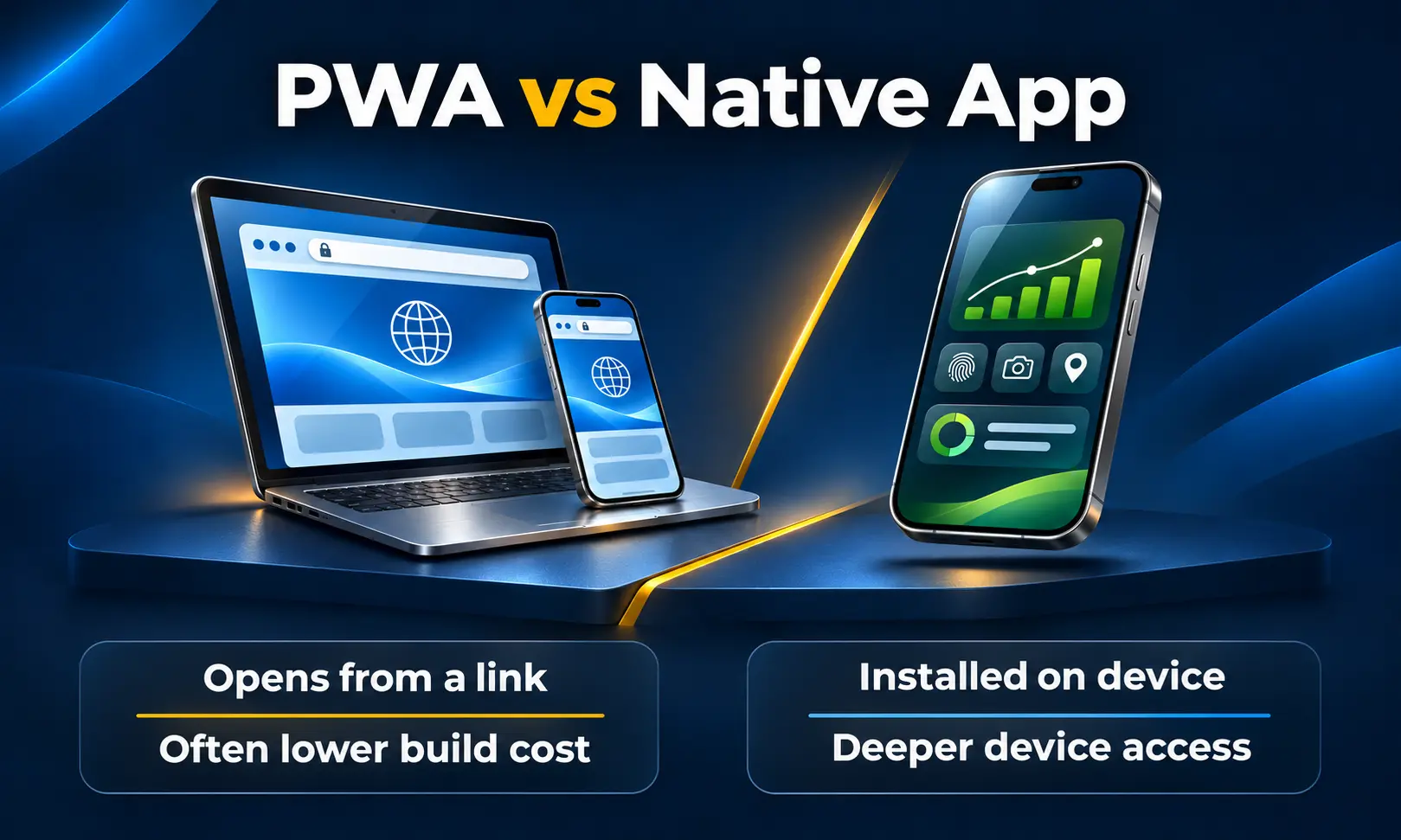
These are two mobile experiences for the same business. The retailer benefits from opening a link and getting straight to work. The driver’s app needs to keep doing its job when the screen is off. That difference can settle the choice between a Progressive Web App and a native app before the first screen is designed.
Choose a Progressive Web App when customers should be able to start from a link and the essential tasks work in their browsers. Choose a native app when the product depends on deeper phone integration, demanding graphics or background activity that the browser cannot reliably provide. If your business serves both occasional visitors and staff who use the app every day, each group can use a different interface with the same backend.
What Is a Progressive Web App?
A Progressive Web App, or PWA, is a web application that opens through a URL and can offer app-like features where the browser supports them. A web app manifest describes details such as its name, icon and launch appearance. A service worker can help the app load previously saved resources, which makes features such as a cached catalogue or a basic offline screen possible.
Say a building materials supplier shares a product link with a contractor. The contractor can browse immediately. If they order every week, they can add the app to their home screen on a supported device. The business can serve both visits from the same web application.
What Is a Native App?
A native app is installed on a device and built using the tools and interfaces of its operating system. Android apps are commonly developed with Kotlin, and iPhone apps with Swift. A business building separate native apps for Android and iOS can share its backend and business rules, while budgeting for platform-specific development, testing and releases.
Tools such as Flutter and React Native are another option when the business needs installed apps on both platforms. They can share part of the app code, with platform-specific work still required for features such as specialised hardware, permissions and background services.
PWA vs Native App at a Glance
| Decision factor | Progressive Web App | Native app |
|---|---|---|
| First visit | Users open a link from WhatsApp, search, a QR code or email. | Users typically install the app before completing its main workflow. |
| Distribution | Web access comes first. Home-screen installation depends on the browser and device. | Public distribution typically uses Google Play or the Apple App Store. |
| Offline work | Can show cached content and save selected actions locally when designed for it. | Can support more involved offline workflows, with local storage and sync designed into the app. |
| Background activity | Browser support and execution limits vary. Plan a fallback for work that must be submitted. | Platform APIs offer more options, subject to permissions, battery rules and operating system limits. |
| Phone features and accessories | Camera and other supported browser features can cover many everyday tasks. | Often a better fit for specialised Bluetooth equipment, device-specific integrations and intensive graphics. |
| Updates | Deploy updates on the web. Manage cached versions so users receive a consistent release. | Ship platform releases and account for users who continue running an older version. |
PWA vs Native App Development Cost in India (2026)
Compare prices against the same brief. A quotation for a web catalogue and a quotation for an Android app with live driver tracking cover different work. First agree on the screens, integrations, offline behaviour and devices the business needs to support.
An Illustrative Budget for the Same Business Workflow
Assume a simple dealer ordering product with login, a catalogue, a cart, order submission and order history. An existing backend provides working APIs. The estimate covers interface design, frontend development, integration, testing and launch preparation. It assumes a blended team rate of ₹8,000–₹12,000 per person-day. Person-days are a measure of effort, and several people can work in parallel.
| Build option | Assumed effort | Illustrative development budget |
|---|---|---|
| PWA for supported Android and iPhone browsers | 20–35 person-days | ₹1.60 lakh–₹4.20 lakh |
| Native app for one platform | 35–55 person-days | ₹2.80 lakh–₹6.60 lakh |
| Separate native Android and iOS apps | 60–95 person-days | ₹4.80 lakh–₹11.40 lakh |
These figures are calculated planning examples. The rates and effort are assumptions specific to this scenario. The example excludes a new backend or admin portal, major offline workflows, store account fees, hosting, ongoing support and applicable GST. Ask your developer to price any features that are essential to your business, such as dealer-specific pricing, ERP stock checks or invoice downloads.
What Will the Business Pay After Launch?
- Backend and services: Both options may incur hosting, storage, notification, maps and payment service costs. The bill depends on usage and the providers you choose.
- PWA upkeep: Allow for browser compatibility checks, cache updates and testing what happens when a user returns after a long gap.
- Native app upkeep: Allow for operating system updates, testing across devices, release management and support for older app versions.
- Store accounts: Apple lists its standard Developer Program at US$99 per year, with regional pricing where available. Google lists a US$25 one-time Play Console registration fee. A PWA distributed directly by URL ordinarily needs neither account.
Ask for a first-year ownership figure and a separate annual support allowance. On an ordering app, the cost of keeping supplier stock and prices accurate can matter more than the difference between the two launch quotations.
Performance: Measure the Tap That Matters
Getting to the First Useful Screen
The time that matters to a retailer is the gap between opening the link and seeing the product they asked for. A compact PWA can take them directly to that product. A heavy web bundle, large catalogue images or a slow stock API can erode that advantage. For an installed app, measure how long a customer waits from tapping the icon to seeing current information.
Doing the Same Job Fifty Times a Day
A warehouse operator scanning cartons for an entire shift has a different yardstick. The app must open the scanner quickly, register each scan and tell the operator immediately whether the carton belongs to that shipment. A native build is worth testing if the workflow uses dedicated scanners or Bluetooth accessories. Confirm support for the exact peripherals before choosing the development approach.
Working in a Network Dead Zone
A field technician may need to capture a site photo, fill in a checklist and obtain a signature in a basement. Either approach can support parts of that workflow when offline handling is designed in. The hard part is what happens next. The screen should show that the report is saved locally, when it was sent, and whether the server accepted it. A second tap after reconnecting should never create a second job report.
Browser background synchronisation has limited support. If you choose a PWA, test a clearly labelled pending queue and retry when the app is reopened. Native apps also face operating system limits on background work. Test the full flow in airplane mode, after closing and reopening the app, and after reconnecting on a weak signal.
Which Benefits Matter for Indian Businesses?
Use a PWA When the Link Is Already Doing the Selling
A furniture retailer can send a specific product from its catalogue straight into a WhatsApp conversation. A training institute can take a prospect from a QR code to a course enquiry. In either case, the first useful action can happen in the browser. If search visibility matters, make the relevant public pages accessible and indexable, with permanent URLs people can share.
Use Native When the Work Depends on the Phone
An intercity logistics operator needs to know whether the driver app can update location under the required permissions and operating system conditions. A factory may need its inspection app to connect to a particular instrument on every shift. For these briefs, test background behaviour or the hardware connection on the actual devices before spending on the rest of the interface.
Use Both When the Audiences Work Differently
A Bangalore distributor could let customers place orders and track deliveries through a web app while drivers use an installed app for assigned stops and proof of delivery. Both interfaces can read the same order status from the backend. The customer avoids an installation step, and the driver gets the tools needed for daily work.
Three Things to Check Before You Approve the Build
- Test the real entry point. Open the PWA link from WhatsApp and from the device’s usual browser. On iPhone, try adding it to the home screen. If notifications matter, test them on the installed home-screen app with permission granted.
- Prove the hardest task early. Try an actual checkout, scan, photo upload or background location update on the intended phones. Include at least one mid-range Android device and an iPhone if your users rely on both.
- Agree on what happens after a failure. Decide what customers see when a payment is pending, an upload stalls or a device permission is turned off. Cost the recovery work alongside the main screens.
Choosing the Right App for Your Business
For a catalogue, booking flow or dealer ordering system that people discover through shared links, a PWA is often the stronger first release. For work that depends on background location or specialist accessories, prototype the native workflow early. If the business needs both, decide which functions belong in each interface and keep the shared operational records in one backend.
If you’re weighing these options for a customer app, dealer portal or field-service product, the mobile app development team at W3 Dream Solutions in Bangalore can help scope the features, device requirements and integrations before you commit to a build.
Other Blogs
Subscribe
Get the latest blog updates directly in your inbox.