

How to Access Your Google My Business Account in 2026
If you are searching for “How to access my Google My Business account?”, there is a small name change you should know about first.
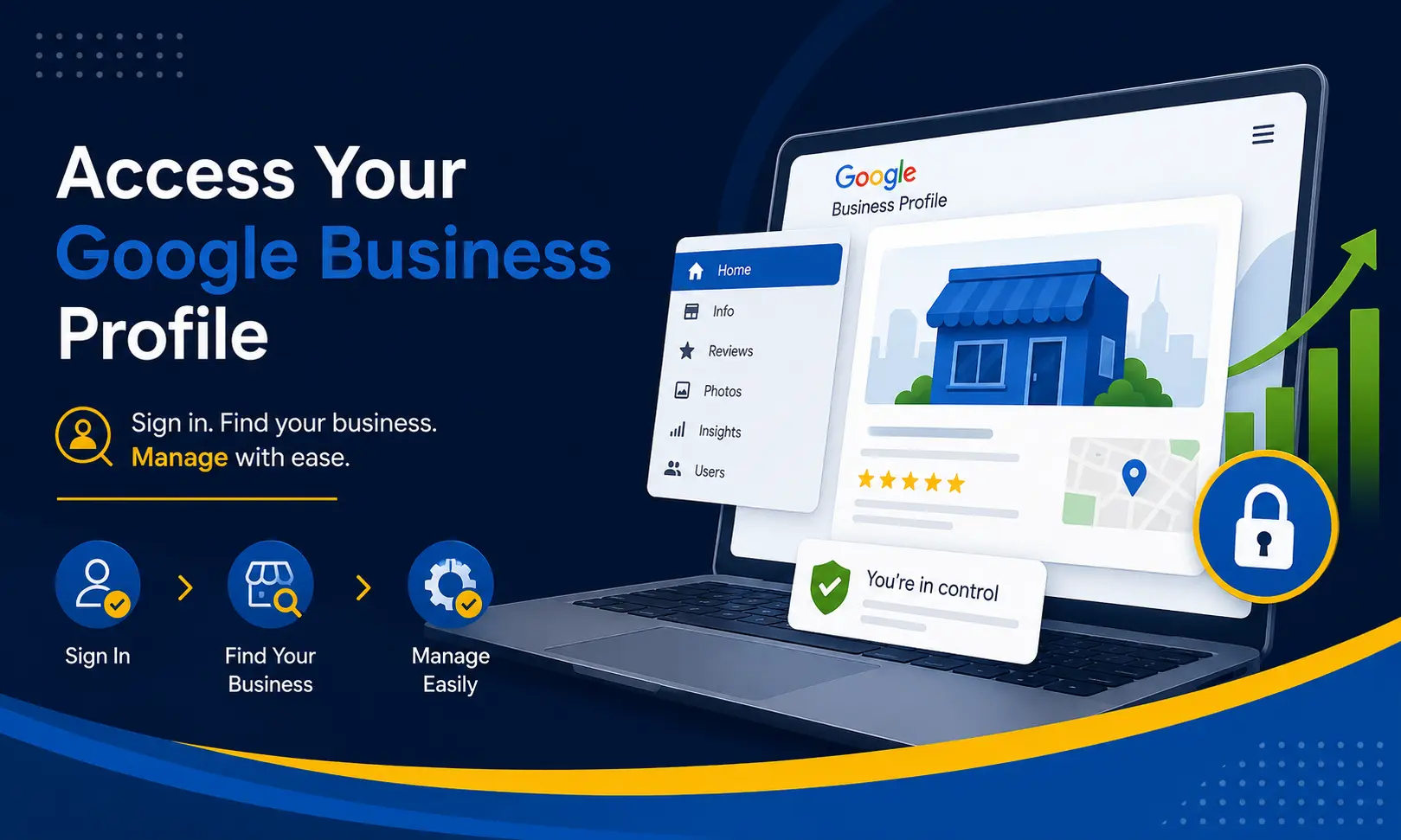
Google My Business, commonly called GMB, is now known as Google Business Profile. The name has changed, but the basic purpose remains familiar: it helps businesses manage how their information appears on Google Search and Google Maps.
Your Business Profile can display important details such as your business name, phone number, website, opening hours, location, photos and customer reviews. Once you have the right access, you can update these details and respond to customers directly through Google.
The good news is that you do not need to hunt for an old-style GMB dashboard to manage your listing. In many cases, you can access the profile directly from Google Search or Google Maps.
Is Google My Business Still Available?
Not under that name.
Google renamed Google My Business to Google Business Profile. So, if you type “Google My Business login” into Google, you may still see people using the old terminology, but the service itself is now referred to as Google Business Profile.
This is important because many business owners think their account has disappeared when they cannot find an old GMB dashboard.
Your business profile has not necessarily disappeared. You may simply need to sign in with the Google Account that is connected to the profile.
What Do You Need to Access Your Google Business Profile?
Before trying to access your profile, make sure you have:
- The Google Account used to create or manage the business profile
- Your business name
- Your business location or service area
- Access to the relevant Google Account
- Owner or manager permission, if somebody else originally created the profile
Google states that you need a Google Account to sign up for and manage a Business Profile. A company email address can also be linked to a Google Account, so you do not necessarily have to use a Gmail address.
How to Access Your Google Business Profile
The easiest method is to sign in to Google using the account associated with your business.
Step 1: Sign in to your Google Account
Open Google and sign in using the email address that you believe is connected to your business.
If you use several Google Accounts, check each relevant account carefully. A surprisingly common problem is being signed into a personal Gmail account while the Business Profile is actually connected to a company account.
Step 2: Search for Your Business
After signing in, search Google for:
Your business name + city
For example:
W3 Dream Solutions Bangalore
You can also search:
my business
If the signed-in Google Account has access to the Business Profile, Google may show management options for the business directly in Search.
Step 3: Open Your Business Profile
Once Google recognises your account as an owner or manager, you should be able to access the profile management options.
Depending on your account and Google's current interface, you may see options for editing your profile, managing reviews, adding photos, viewing performance information and making other business updates.
You do not necessarily need a separate dashboard for every basic profile-management task.
How to Access Google Business Profile Through Google Maps
Google Maps is another straightforward route.
Open Google Maps and sign in with the Google Account associated with your business.
Search for your business name and location.
If you manage multiple businesses, Google provides options for selecting the relevant business profile. On the Google Maps app, businesses can also be accessed from the Business section when the appropriate account is signed in.
Once you have access, you can manage available profile information from Google Maps.
How to Edit Your Google Business Profile
Getting into the profile is only half the job. The real benefit comes from keeping your information fresh and accurate.
Once you access your verified Business Profile, you can update information such as:
- Business name
- Business category
- Phone number
- Website
- Opening hours
- Business address
- Service area
- Photos
- Other available business information
For example, if your business has moved to a new office in Bangalore, keeping the address and other contact information updated can prevent customers from turning up at the wrong location.
What If You Cannot Find Your Business Profile?
This is where things can become slightly confusing.
If you search for your business and cannot find a profile-management option, do not immediately assume that your listing has been deleted.
There are several possible reasons.
You Are Using the Wrong Google Account
This is one of the first things to check.
If the profile was created using another Gmail or company email address, signing in with your current account will not automatically give you access.
Try signing out and checking the other Google Accounts you use for business.
Your Business Has Not Been Claimed
Your business may already appear on Google Maps even though you have not claimed it.
In that situation, you may need to claim the existing Business Profile and complete Google's verification process.
Claiming and verifying a Business Profile gives the business control over how its information appears on Google.
Someone Else Has Already Verified the Business
This situation is quite common, especially when a website developer, marketing agency, former employee or previous business owner created the profile.
If Google tells you that someone else has already verified the business, you may need to request ownership of the Business Profile rather than creating another listing.
Creating multiple profiles simply because you cannot access the original one can create additional headaches, so it is better to investigate ownership first.
How to Request Access to a Google Business Profile
If another person currently controls your business profile, you can request ownership.
This may happen when:
- A previous employee created the listing
- A website agency created the profile
- A former marketing company manages it
- The business changed ownership
- An old Gmail account is still the primary account
- Someone else claimed the listing before you
If the existing profile belongs to your business, requesting access is generally a better route than creating a duplicate listing.
Owner vs Manager: What Is the Difference?
Google Business Profile supports different levels of access.
An owner has broader control over the profile, including managing users and profile access.
A manager can handle many day-to-day activities, such as editing business information, responding to reviews and managing posts, but has fewer administrative permissions than an owner.
This distinction becomes important when a business works with an outside website developer, SEO agency or marketing team.
Instead of sharing your Google password, you can give the appropriate person their own Google Account access.
Should You Share Your Google Password With Your Marketing Agency?
No.
Sharing your Google Account password simply to give somebody access to your Business Profile is unnecessary.
Google provides owner and manager access so different people can work on the profile using their own Google Accounts.
For a business, this is a much cleaner arrangement.
For example, the business owner can retain ownership while giving a trusted digital marketing or website team manager-level access when required.
When an agency relationship ends, the access can be removed without changing the business owner's Google password.
How to Keep Your Google Business Profile Safe
Your Business Profile is closely connected to your online reputation, so access should be handled carefully.
A few sensible practices can save considerable trouble later:
- Keep the primary owner account under the business owner's control.
- Avoid sharing your Google password.
- Give agencies their own Google Accounts.
- Remove former employees when they no longer need access.
- Keep your business phone number and website information current.
- Check your profile periodically.
- Keep recovery details on your Google Account updated.
- Do not give your Google verification code to another person.
What If Your Google Business Profile Is Not Verified?
Access and verification are two different things.
You may be able to find a business listing, but editing important information may require the profile to be verified.
Google determines which verification methods are available for a particular business. Depending on the circumstances, options may include video verification, phone or SMS, live video verification or mail. The available options vary by business and region.
Once the verification process is completed, Google reviews the information before confirming the profile.
Can You Manage Multiple Business Locations?
Yes.
Businesses with multiple locations have different management needs from a single-location shop or service provider.
Google provides tools for businesses with multiple profiles, including bulk management options for larger businesses.
For example, a company operating several branches across Bangalore, Hyderabad and Chennai may need a more organised approach to managing its locations rather than treating every listing as a completely separate setup.
Why Your Google Business Profile Matters for Your Website
Your Google Business Profile and website should not operate like two disconnected islands.
Your website gives customers detailed information about your services, while your Google Business Profile can help people discover your business through Google Search and Maps.
A customer may first search for:
“website development company in Bangalore”
They may then check the business's Google listing, reviews, website, phone number and location before deciding whether to make contact.
That is why your website, Google Business Profile and wider online presence should present consistent business information.
For businesses looking for a professional website, W3 Dream Solutions provides website design and development services from Bangalore, India.
A Simple Way to Remember Google Business Profile Access
If you forget everything else in this article, remember these four points:
- Google My Business is now Google Business Profile.
- Sign in with the Google Account connected to your business.
- Search your business name and city on Google or Google Maps.
- If someone else owns the profile, request access instead of creating a duplicate listing.
Final Thoughts
Accessing a Google Business Profile in 2026 is considerably simpler once you know where to look.
You do not need to spend time searching for an old “Google My Business” dashboard. Start by signing into the correct Google Account, search for your business on Google or Google Maps, and check whether the profile-management options appear.
If you cannot access the profile, investigate the Google Account being used, check whether the business has been verified and determine whether another person currently owns the listing.
Most importantly, keep ownership under the control of the business and give employees or agencies their own access rather than handing over your Google password.
A well-maintained Business Profile, backed by a credible business website, gives customers a clearer path from a Google search to your business.
Other Blogs
Subscribe
Get the latest blog updates directly in your inbox.